
How Much Does System Integration Cost in Australia? A 2026 Price Guide
 Jignesh Vagadiya
27/10/2026
21 min read
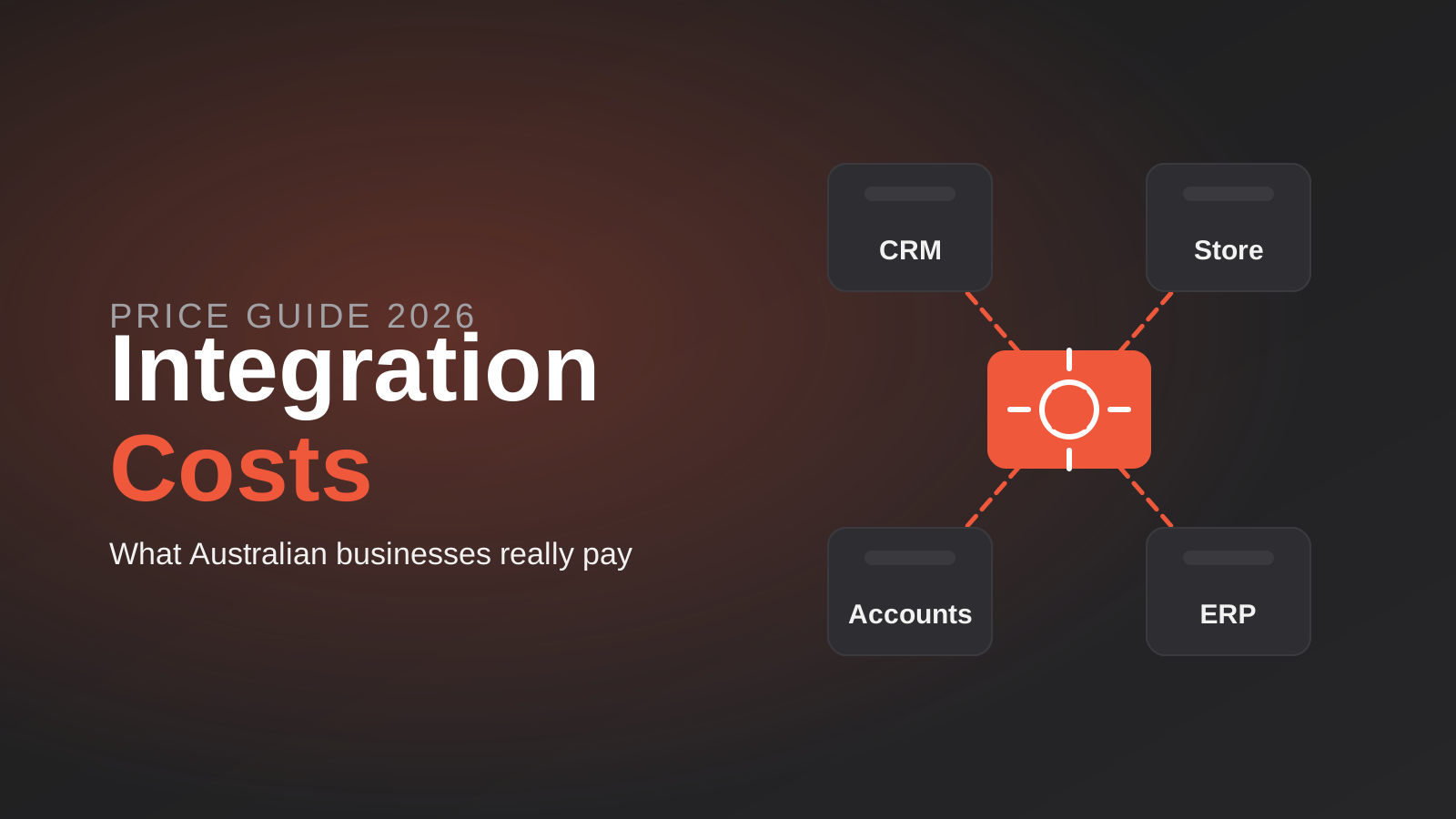
Ask three agencies what it costs to connect your online store to your accounting software and you will get three numbers that look like they belong to different jobs. One says a few hundred dollars. One says $8,000. One says $35,000 and wants a discovery phase first. All three can be telling the truth, because “integration” covers everything from ticking a box in an app marketplace to rebuilding how your ERP talks to the rest of the business.
This guide puts real Australian ranges against the different kinds of integration work, explains what moves the price, and shows you how to read a quote so you can tell a fair one from one that has quietly left things out. We build integrations for a living, so some of this comes from the awkward end of the job: the sync that worked in testing and fell over in week three. Where we cite market figures, they come from published Australian estimates and vendor pricing pages checked this month, and we flag where those sources disagree with each other (they often do).
One caution up front. Published integration pricing is mostly vendor marketing, and the spread between low and high estimates is wide. Treat every range below as a planning figure that tells you which order of magnitude to budget for, not a price you can hold anyone to. The point of the rest of this article is to help you work out which part of the range your project belongs in.
How Much Does API Integration Cost in Australia?
Start with the tier your project sits in, because the price difference between tiers is far bigger than the difference between agencies within a tier.
Tier 1: Ready-made connectors and marketplace apps
If both systems are popular and your needs are standard, someone has probably built the connector already. Xero’s own Shopify connection, for example, carries a monthly fee of about A$20 ex GST in Australia, on top of your Shopify and Xero subscriptions. Third-party Shopify-to-Xero apps are typically priced from around US$19 to US$60 a month depending on order volume, with some going higher for high-volume stores. Your cost here is the subscription plus a few hours of someone setting it up properly, mapping tax codes and testing a handful of awkward orders. That setup time is where the real money goes, and it is often skipped.
Tier 2: Middleware and workflow platforms
Tools like Zapier, Make and n8n sit between systems and let you build custom flows without a full software project. Platform subscriptions are modest. Zapier’s paid plans start at roughly US$20 to US$30 a month for a few hundred tasks and climb quickly with volume, while Make is usually cheaper per operation, with entry plans from about US$9 to US$11 a month. Those are US-dollar list prices that change often, so check the vendor pages before you budget. The larger cost is the build: designing the flow, handling failures, and testing it. For a small number of well-defined flows, an agency build typically lands in the low thousands of dollars, rising as the logic and the number of systems grow. Our comparison of workflow automation tools covers how to choose between the platforms.
Tier 3: Custom API integration
When volumes are high, the rules are intricate, or a failure would be expensive, purpose-built integration against the systems’ APIs is the dependable route. Published Australian estimates put a simple custom integration between two platforms with standard authentication at roughly $5,000 to $15,000, a medium multi-system project at roughly $20,000 to $60,000, and large enterprise programs above $100,000. Another widely quoted guide splits it by behaviour: a one-way integration at the lower end, a two-way CRM or accounting sync in the middle, and ERP or legacy work at the top. The sources do not agree on exact dollar figures, but they agree on the shape: price rises steeply once data has to flow in both directions between several systems.
Tier 4: ERP integration
ERP work is its own category because ERPs hold the data everything else depends on, and each one is configured differently. Published Australian figures for integration alone (not the ERP itself) run from about $20,000 to $50,000 for a basic inventory and order connection, to $50,000 to $120,000 for a standard ERP integration, with some sources quoting much higher for multi-site or heavily customised environments. Other sources put integration for a few standard connections as low as $10,000 to $30,000. That spread is not a mistake. It reflects how much depends on which ERP, how old it is, how it exposes data, and how many other systems need to talk to it. We cover what this work involves on our ERP integration page.

What most small businesses actually pay
In our experience, a small or growing Australian business with an online store, an accounting package and a CRM usually needs a mix: a ready-made connector for the simple link, middleware for one or two custom flows, and custom work only where the volumes or the risk justify it. That mix tends to cost far less than a single bespoke platform and far more than “just install an app.” If a quote for a first integration lands anywhere near the ERP range, ask what is driving it. It might be justified, or it might be scope that nobody has trimmed.
What Pushes the Price Up or Down
Two integrations that both read “connect system A to system B” can differ in cost by a factor of ten. These are the variables that account for most of it.
How many systems, and how many connections between them
Connecting two systems is one link. Connecting four systems fully is six possible links, and five systems is ten. Nobody needs every link, but the number of paths you do need grows faster than the number of systems. A hub-and-spoke design, where one system or a small middle layer talks to everything else, keeps this under control. A quote that counts “number of systems” without asking which pairs need to talk has missed the real driver.
How good the APIs are
Modern platforms like Shopify, Xero and HubSpot have well-documented APIs, sandbox environments and sensible rate limits. Older or niche systems might offer a flat file export, a database connection, or nothing at all beyond a screen to click through. The cost difference is the discovery time. With a poorly documented system, a good portion of the budget goes on working out what the system really does before any building starts. This is why reputable agencies want an audit phase for legacy and custom ERPs, and why a fixed quote with no audit for an unfamiliar system should make you a little nervous.
Which way the data flows
One-way flows are cheap to build and cheap to keep working. Two-way sync is where the cost jumps, because now two systems can change the same record and the integration has to decide which one wins. Someone has to design the conflict rules, test the edge cases and handle the “echo” problem where a change bounces back and forth. We explain the mechanics in our guide to two-way sync, field ownership and echo loops. A useful money-saving question: which of these fields genuinely need to flow both ways? Often it is two or three, not thirty.
Volume and timing
Syncing fifty orders a day on a schedule is a different job from syncing five thousand in near real time. Higher volume means queues, retries, rate-limit handling and load testing. Real-time requirements add webhook handling and a plan for what happens when the receiving system is down. If your business has sharp peaks (a sale event, an end-of-month run), the integration has to be built and tested for the peak, not the average.
The state of your data
Messy data is the most common budget blow-out we see. Duplicate customers, inconsistent product codes, missing SKUs, and tax codes that mean different things in different systems all have to be resolved before or during the build. If that cleanup is not in the quote, it will arrive later as a variation. Our piece on cleaning your data before you automate is worth reading before you ask anyone for a price.
Error handling, monitoring and security
The happy path is perhaps a third of the work. The rest is deciding what happens when a record fails, when a credential expires, when the other system changes its API, or when the same message arrives twice. Proper retry handling, logging, alerts that reach a person, and secure credential storage take real time. Cheap quotes tend to leave these out because they are invisible until something breaks. A quote that lists them is usually the more honest one, even when it is the more expensive one.
Compliance and local requirements
Australian specifics add scope. GST handling has to map correctly between systems. Payroll and STP-related data come with their own rules. If personal information moves between systems, privacy obligations and where data is stored may matter. Industries such as healthcare, finance and government-adjacent work add further requirements. None of this is unusual, but it needs to be in the scope rather than discovered halfway through.
Build Route Compared: Connector, Middleware or Custom
The cheapest route on day one is often not the cheapest over three years, and the reverse is true as well. The diagram below sets the three approaches side by side on the things that matter most when you are deciding.

A pragmatic path is to start with the simplest route that handles your real volume and risk, then move up only where it stops being enough. Moving from a connector to middleware is usually painless. Moving from middleware to a custom build is also reasonable, provided someone documented what the flows do. The expensive mistake is the reverse: commissioning a custom build for a job a connector would have handled.
If your integration is part of a bigger piece of software, the economics change again, because the integration becomes one component of a larger system. Our guide to custom software development costs in Australia looks at how to weigh a build against years of licence and subscription fees.
The Ongoing Costs People Forget
An integration is not a one-off purchase. It is a small piece of infrastructure that connects systems owned by other companies, and those companies change things. Budget for these from the start.
- Subscriptions. Connector fees, middleware plans, and any extra API tiers your vendors charge. Some platforms charge more for API access or higher call limits, so ask each vendor what your volume will cost.
- Hosting. A custom integration runs somewhere, whether that is a cloud function, a small server or a managed service. It is usually modest, but it is not zero, and data residency requirements can influence where it sits.
- Monitoring. Someone, or something, has to notice when a sync stops. Without it, failures can run for days before anyone spots the stock numbers drifting.
- Maintenance. APIs get versioned and retired, fields get renamed, credentials expire. Plan for a small recurring allowance rather than a surprise invoice. Our note on API versioning explains why this happens.
- Changes in your own business. A new sales channel, a new warehouse or a switch of accounting package will each touch the integration.
A rough way to think about it: if the initial build is a meaningful project, expect some ongoing allowance for monitoring and fixes rather than treating the launch date as the end of the cost. Ask any agency you are comparing exactly what is included after go-live, and for how long, because “support” can mean anything from a monitored service with response times to an email address.
Pricing Models: Fixed Quote, Time and Materials, Retainer
How a price is structured affects who carries the risk, so it is worth understanding before you compare the numbers themselves.
Fixed quote
You agree a price for a defined scope. It gives you certainty, which is valuable, and it works best when the scope is genuinely well understood. The risk with fixed quotes on integration work is that the unknowns are hidden inside the other system. A good fixed quote follows a short audit that has de-risked those unknowns, and it states clearly what counts as a change. A fixed quote given without looking at the systems is either padded heavily or will be renegotiated later.
Time and materials
You pay for hours worked, usually against an estimate. It suits exploratory work and legacy systems where the real scope only emerges as you dig in. It puts the budget risk on you, so insist on regular reporting, a cap or a checkpoint at which you decide whether to continue. A time and materials arrangement with no estimate at all is the one to avoid.
Retainer
A monthly fee covers ongoing monitoring, maintenance and a block of change work. It is the usual model for the running costs described above rather than the initial build. A retainer is good value when the integration is business-critical and bad value when it is bundled with vague promises. Check what the monthly fee covers in hours or in response commitments, and whether unused time carries over.
Many projects use a combination: a short paid audit, a fixed quote for the build, and a modest retainer afterwards. That structure aligns incentives reasonably well, because the audit buys down uncertainty before anyone commits to a price.
What a Good Integration Quote Should Include
Quotes for integration work are easy to make look cheap by leaving things out. Use this as a checklist when you compare them.
- A list of the systems and the specific connections. Which system talks to which, and what moves in each direction. “Integrate your systems” is not a scope.
- Field-level or at least object-level detail. Orders, customers, products, invoices, stock levels, refunds. Which are included, and which are not.
- Conflict and ownership rules. For any two-way flow, which system owns which field.
- Data cleanup and migration. Whether existing records are cleaned and loaded, and who does it.
- Error handling and monitoring. What happens on failure, who is alerted, and how fast.
- Testing approach. Sandbox testing, real-data scenarios, and a period of running alongside the manual process.
- Environments and access. Whether a staging setup is included and who owns the accounts and credentials.
- Documentation and ownership. Whether you receive documentation and whether you own the code or the flows if you leave.
- Ongoing support terms. What is covered after launch, for how long, and at what cost.
- Third-party costs. Subscriptions, API tiers and hosting, and who pays them.
- Assumptions and exclusions. Written down, with a clear process for changes.
If you are looking at an integration around Xero and Shopify specifically, our Xero Shopify integration page describes the typical scope, which gives you something to hold other quotes against.
Why Quotes for the Same Brief Differ So Much
When three quotes arrive far apart, the gap rarely comes from one agency being a rip-off and another a bargain. It usually comes from differences in what each assumed.
- Different assumptions about direction. One quoted a one-way push, another assumed full two-way sync.
- Different assumptions about data. One assumed your data is clean, another allowed time to fix it.
- Different approaches to failure. One built retries, logging and alerts, another built the happy path.
- Different build routes. One proposed middleware, another a custom build, with different upfront and running costs.
- Different support. One includes monitoring after launch, another stops at handover.
- Different risk pricing. An agency unfamiliar with your ERP will add contingency, while one that has connected it before can price tighter.
The practical fix is to give every agency the same written brief, and to ask each one to list its assumptions. When you put the assumptions in a table next to each other, the big gap usually explains itself in a few rows. Where it does not, ask. A good agency will happily walk you through what is and is not included.
A very low quote is not automatically a bad sign, particularly if the agency works lean and has done this exact integration before. It does mean you should ask what has been left out, and specifically whether error handling, monitoring and data cleanup are in or out.
What to Expect at Each Business Stage
Rather than start from a price, start from where your business sits. The right spend depends far more on stage than on industry, and the examples below are illustrations of how the tiers tend to map, not quotes.
A sole trader or very small team
You probably have a website or store, a payments provider and an accounting package, and your pain is double entry. A ready-made connector, set up carefully, is usually the whole answer. Spend your effort on tax code mapping and on testing a refund and a part-paid order, and leave custom work alone. If a quote for this stage runs into five figures, ask what the connector could not do.
A growing business with a small team
Now you have a CRM, perhaps a booking system, a store, a helpdesk and accounts, and people are copying data between them. This is the middleware sweet spot, with a custom piece for the one or two flows that are too important or too intricate for a workflow tool. Budgets here typically sit in the lower thousands for the middleware work and move into the custom range only when a specific flow justifies it. The order matters: connect the enquiry flow first, then accounting, then everything else.
An established business with several systems
Multiple locations, a warehouse, an ERP or a legacy system, and staff who spend hours reconciling. This is where audit-first projects earn their cost, because the unknowns inside older systems are the main source of overruns. Expect the multi-system range, a proper test plan, and a monitored service after launch. It is also the stage where it can be cheaper to wrap an old system with a thin API than to replace it, a trade-off we cover in our guide to wrapping or replacing legacy systems.
Enterprise and procurement-heavy sellers
If you sell to large buyers who insist on punchout catalogs, EDI or ERP-to-ERP connections, the work is specialised and the buyer’s requirements set the scope. Costs sit in the upper ranges, partly because testing involves the buyer’s systems and their timelines, not just yours. Budget for the calendar time as well as the dollars.
Questions to Ask Before Anyone Quotes
Good agencies ask you questions before they price. If a vendor sends a number after a ten-minute call and no follow-up questions, you have learned something. These are the questions we would expect, and the ones you should be asking back.
- Have you connected these two specific platforms before, and what went wrong last time?
- What will you look at before fixing a price, and is that look paid or free?
- Which parts of my brief do you think are the riskiest or most expensive, and why?
- If the other system’s API turns out to be limited, what happens to the price and the timeline?
- Who is alerted when a sync fails at 2am, and how quickly will it be fixed?
- Will I own the accounts, the code or the flows, and the documentation?
- What will this cost to run each month once it is live?
The answers matter less than how they are given. Specific, slightly cautious answers usually come from people who have done the work. Confident answers with no caveats usually come from people who are about to discover them.
It also helps to be honest about your own constraints. If your data is a mess, say so. If you do not know who owns the vendor account, find out. If the budget is capped, say what it is, and ask what you can get inside it. Agencies can only scope sensibly when they know the real boundaries, and a capped, honest brief tends to produce a better-fitted proposal than an open-ended one that gets cut down later.
Common Mistakes When Budgeting for Integration
- Buying a custom build for a connector-sized job. Check whether a ready-made option covers 80% of what you need before commissioning anything bespoke.
- Insisting on real-time when hourly would do. Real-time sync costs more to build and more to keep working. Ask what decision actually depends on the data being instant.
- Syncing every field. Move only what someone uses. Every extra field adds mapping, testing and risk.
- Making everything two-way. Decide field by field. Most fields should have a single owner.
- Skipping the audit on unfamiliar systems. A few days of discovery is cheap compared with a blown fixed price.
- Ignoring data quality. If the source data is a mess, the integration will faithfully copy the mess into every other system.
- Forgetting running costs. A low build price with high subscription and maintenance costs can cost more over three years than a higher build price with low running costs.
- Not owning the accounts. Make sure the middleware account, API keys and hosting sit under your business, not the agency’s.
- Choosing on price alone. The cheapest quote often excludes the parts you will miss most when something goes wrong.
- Not testing with messy real examples. Refunds, partial shipments, split payments and customers with two email addresses break integrations that passed clean test data. Our CRM integration guide includes a practical testing routine you can borrow.
Frequently Asked Questions
How much does API integration cost in Australia?
It depends on the tier. Ready-made connectors cost a monthly subscription plus some setup time. Published Australian estimates for custom work run from roughly $5,000 to $15,000 for a simple integration between two platforms, to $20,000 to $60,000 for multi-system projects, and well above $100,000 for large enterprise programs. ERP integration commonly sits from about $20,000 upwards. Treat these as planning figures and get quotes against a written brief.
Is it cheaper to use Zapier or Make than to build a custom integration?
Usually yes for low to moderate volumes and straightforward logic. The platform fees are small and the build is shorter. The balance shifts when volumes are high, the rules are complex, or a failure would be costly, because you then need stronger error handling and control than a workflow tool comfortably gives. Price the build, the subscription and the monitoring together before deciding.
Why is two-way sync so much more expensive than one-way?
Because two systems can change the same data, the integration has to decide which change wins, detect conflicts, and avoid loops where an update bounces back and forth. That needs design, extra testing and more monitoring. Limiting two-way sync to the few fields that truly need it is the most reliable way to control cost.
What ongoing costs should I expect after an integration goes live?
Expect subscriptions for any connectors or middleware, hosting for custom builds, monitoring, and an allowance for maintenance when vendors change their APIs. The amounts are usually modest compared with the build, but they recur, so include them when comparing quotes over a three-year horizon rather than just the launch price.
Should I choose a fixed quote or hourly billing for integration work?
A fixed quote suits well-understood scope, ideally after a short audit that reduces unknowns. Hourly or time and materials suits legacy systems and exploratory work, as long as there is an estimate and a checkpoint. Many projects combine a paid audit, a fixed build price and a small retainer for monitoring and changes.
How long does an integration project take?
A ready-made connector can be running within days. A middleware build for a few flows commonly takes a couple of weeks. A custom integration across several systems tends to take weeks to a few months once audit, build, testing and a parallel run are included. Messy data and unclear field ownership are the usual reasons projects run late.
Where to Start
Write a one-page brief before you ask anyone for a price. List each system, what needs to move between them, which direction, how often, and which system owns each piece of data. Add your rough volumes and any compliance constraints. That page will do more to get you comparable quotes than anything else, and it often shows you that half of what you were going to pay for does not need building. When you want a scoped figure for your own systems, our automation pricing page explains how we scope and quote integration and automation work.
Because we run lean as a specialist agency rather than carrying a large account-management layer, our fixed quotes typically come in below the Australian averages covered in this guide. If you’ve already got a written quote from another agency for comparable scope, send it through and we’ll do our best to beat it.
Keep reading
Related posts
How Much Does SEO Cost in Adelaide? A 2026 Price Guide
What SEO costs in Adelaide in 2026: real monthly ranges by scope, what drives quotes up or down, and how to compare…
How Much Does SEO Cost for a Small Business in Australia? A 2026 Guide
What SEO costs a small business in Australia in 2026: real monthly ranges by budget, what each level buys, and how to…
How to Compare Agency Quotes in Australia: Why Prices Differ So Much (2026)
Why three agency quotes for the same job differ so much in Australia, what a good quote includes, and a step-by-step way…
Got a project you'd like to talk through?
Tell us what you're working on — we'll come back with a plan.
