
CRM Integration for Australian Businesses: What to Connect First and How to Do It Properly (2026)
 Jignesh Vagadiya
21/10/2026
8 min read
Jignesh Vagadiya
21/10/2026
8 min read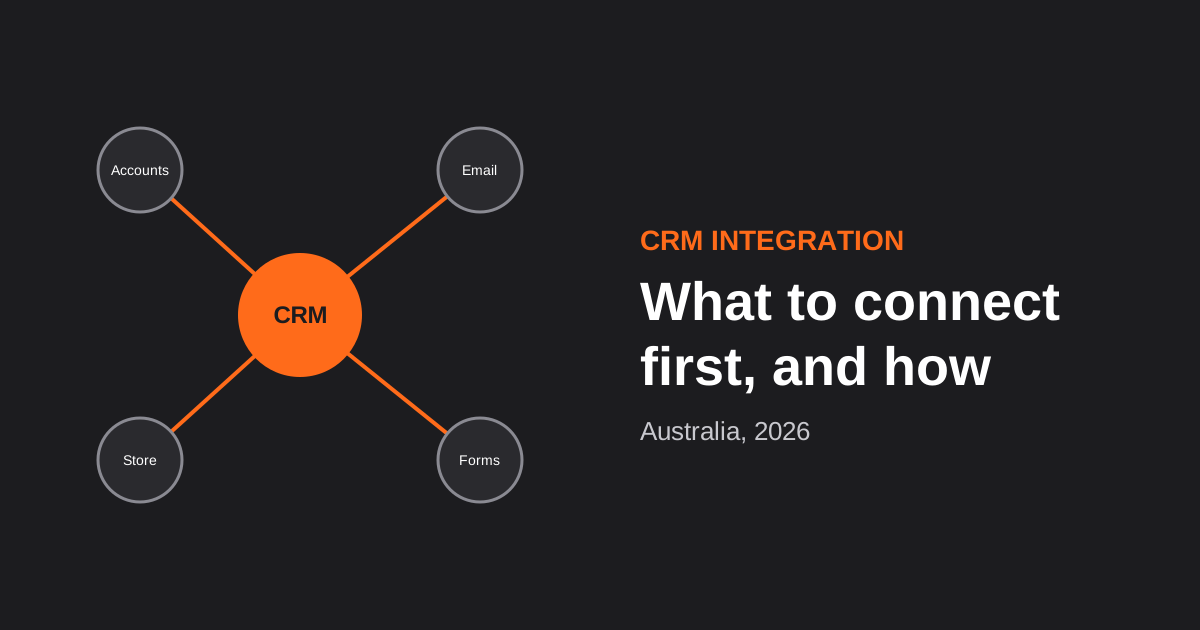
A CRM on its own is a contact book. The moment it talks to your website, your accounting package and your store, it becomes the place where the whole customer story lives. Done badly, the same connection becomes a source of duplicate contacts, overwritten notes and a sales team that has stopped trusting the data. The difference isn’t which CRM you pick, it’s how the connections are designed.
This guide covers what to connect first, which way data should flow for each connection, the three ways to build it, and the mistakes behind most broken integrations. It’s written for Australian businesses already running (or about to run) a CRM, and it complements our service page on CRM integration, which describes how we build these for clients. If you haven’t chosen a CRM yet, start with our comparison of CRMs for Australian small business.
What to Connect First
Resist connecting everything at once. Each connection is another thing to maintain, test and fix when a vendor changes something. A sensible order, based on where the pain and the payoff usually are:
- Website forms and enquiries into the CRM. The cheapest and highest-value connection. Every enquiry lands in one place, with its source and consent recorded, instead of in an inbox.
- Email and calendar. Logging conversations and meetings against the right contact saves your team from typing notes and gives managers a real picture of activity.
- Accounting. When a deal is won, the customer and the invoice should not be typed twice. Our Xero integration page covers the common setups, and the same logic applies to MYOB and others.
- Store or point of sale. Purchase history in the CRM turns it from a sales tool into a retention tool. See point of sale system integration.
- Everything else. Marketing platforms, support desks, quoting tools and project software, added once the first four are stable.
Decide Which Way Data Flows
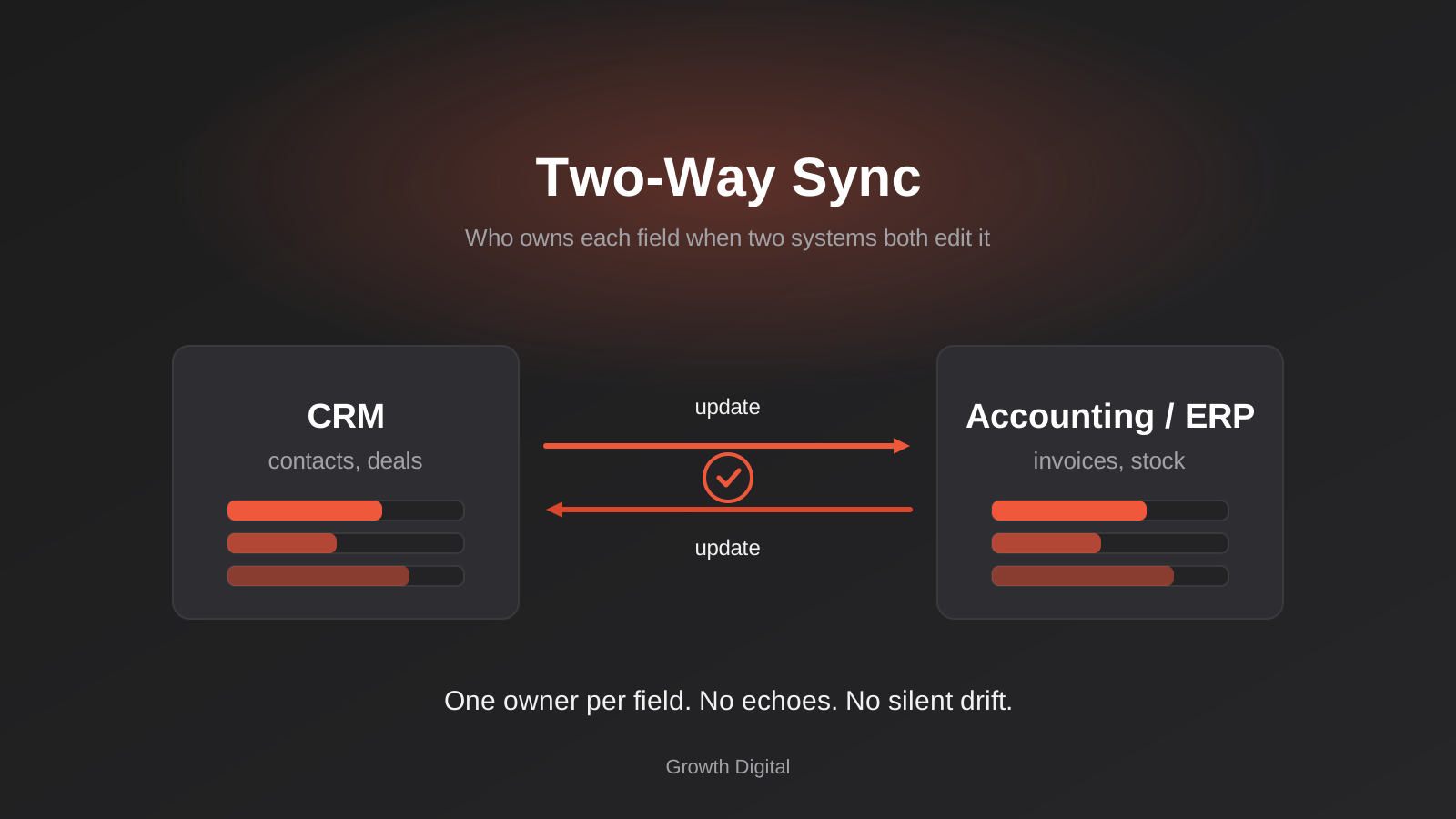
The single most useful design decision is the direction of each connection. Two-way sync sounds ideal and is the most common cause of trouble, because when two systems can both change the same field, they will eventually disagree.
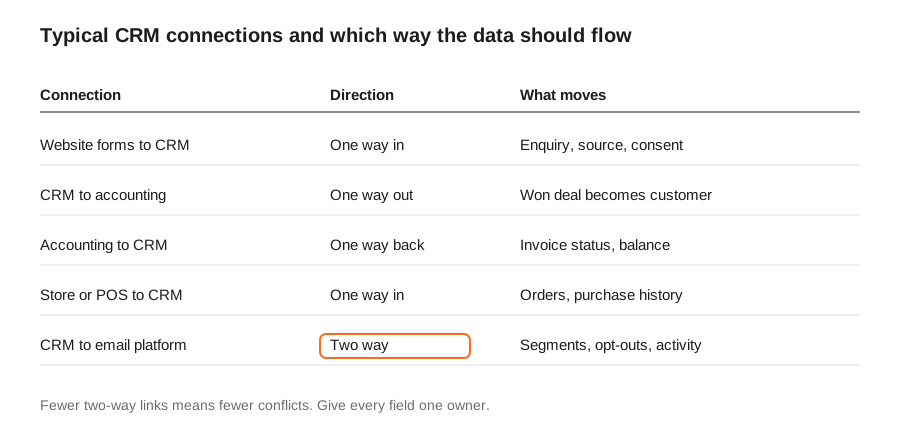
A good default: give every field one owner. The CRM owns names, contact details and deal stages. The accounting system owns invoice status and balances. The store owns orders and stock. Other systems may read those fields, but only the owner writes them. Where a field truly has to be edited in two places, write down the conflict rule in advance (for example, “most recent change wins” or “CRM wins”). We go much deeper on this in our guide to two-way sync, field ownership and echo loops.
Three Ways to Build It
Native integrations and marketplace apps
Most major CRMs, including HubSpot, Salesforce, Pipedrive and Zoho, offer ready-made connections to popular accounting, email and ecommerce tools. These are the quickest and cheapest route, and for a standard setup they are often enough. The catches: they do what the vendor decided they should do, field mapping can be limited, and quality varies between connectors. Check what the integration actually syncs before you assume it covers your case, and read recent reviews for the specific connector.
Middleware and workflow platforms
Tools such as Zapier, Make and n8n sit between systems and let you build custom flows without writing a full application. They suit moderate volumes and logic that is a step beyond the native option. They also introduce a new thing to monitor, so factor in alerting and ownership. Our comparison of workflow automation tools helps you pick, and our CRM automation guide covers the workflows that run inside the CRM itself.
Custom integration
When volumes are high, the business rules are intricate, you need guaranteed handling of failures, or several systems must stay precisely aligned, purpose-built integration using the systems’ APIs is the dependable option. It costs more upfront and gives you proper error handling, logging, retries and ownership. It’s the right choice more often than people expect once a business passes a handful of connected systems, and it is one strand of our wider custom software development work.
A pragmatic path: start native, move to middleware where native falls short, and go custom only where the volume or the risk justifies it.
The Mistakes That Cause Most Problems
- No unique identifier. If contacts are matched on name or on whatever email happens to be filled in, you get duplicates. Decide on a stable key (usually email address, plus a customer ID stored in both systems) before the first record moves.
- Importing dirty data. Connecting a CRM to a messy source just spreads the mess faster. De-duplicate and standardise before you switch the sync on.
- Syncing everything. Only move the fields that someone uses. Extra fields mean extra mapping, extra privacy exposure and extra breakage.
- Ignoring retries. Networks and APIs fail. Without safe retry handling you get missing records or, worse, duplicated invoices. This is explained in our piece on idempotency and retries.
- Unsecured webhooks and keys. Integrations run on credentials and inbound calls. Verify signatures and store keys properly: see webhook security and OAuth vs API keys.
- Forgetting that vendors change. APIs get updated and retired. An integration without monitoring will break silently one day. Our note on API versioning explains why.
- Overlooking consent. If you sync contacts into an email platform, the consent and opt-out status must travel with them. Australia’s spam and privacy rules apply to how you contact people, so make sure unsubscribes in one system are honoured everywhere.
How to Test Before You Go Live
- Run the integration against a copy of the CRM or a sandbox, never straight into production.
- Test with messy real examples: a contact with two emails, a company that changed its name, a refunded order, a customer in two systems under slightly different names.
- Deliberately break it: switch off one system, send the same record twice, change a field in both places at once, and confirm the outcome is what you decided.
- Run in parallel for a short period, comparing the integrated result with what your team would have done by hand.
- Set up alerts so a failure reaches a person, rather than sitting in a log nobody reads.
Frequently Asked Questions
What should I integrate with my CRM first?
Start with website forms and enquiries so every lead lands in the CRM with its source and consent recorded. Then add email and calendar, accounting, and your store or point of sale. Add marketing, support and quoting tools last. Each extra connection is more to maintain, so earn each one.
Should my CRM sync both ways with other systems?
Only where it is truly needed. One-way flows are simpler and rarely conflict. Where two systems must edit the same data, decide which one owns each field and write a conflict rule in advance. Most problems with two-way sync come from leaving that decision unmade.
Is a native integration or Zapier better for connecting a CRM?
Use the native integration when it covers your needs, because it is usually cheaper and better supported. Use middleware such as Zapier, Make or n8n when you need custom logic or the native option doesn’t map the fields you need. Move to custom integration when volumes are high, the rules are complex, or a failure would be costly.
How do I stop duplicate contacts when integrating a CRM?
Choose a stable unique key, such as email address plus a customer ID held in both systems, before any data moves. Clean existing duplicates first, and make sure the integration updates a matching record instead of creating a new one every time. Safe retry handling also matters, so a repeated message doesn’t create a second record.
How long does a CRM integration take?
A native or middleware connection for forms or email can be live within days. A custom integration with accounting and a store usually takes several weeks, including mapping, testing and a period of running alongside the manual process. Messy existing data and unclear ownership of fields are the usual causes of delay.
Where to Start
List the systems your CRM needs to talk to. For each, write one line: what moves, which direction, and which system owns the data. That one-page map is the backbone of every good integration, and it makes quotes comparable if you bring in outside help. When you’re ready to build, see our CRM integration service, or explore the broader API and systems integration work we do.
Keep reading
Related posts
POS Integration for Australian Retail and Hospitality: Stock, Sales, Settlements and Getting the Books to Agree (2026)
How point-of-sale integration works for Australian retailers and hospitality venues: stock sync, daily sales posting, settlements and fees, and keeping the books…
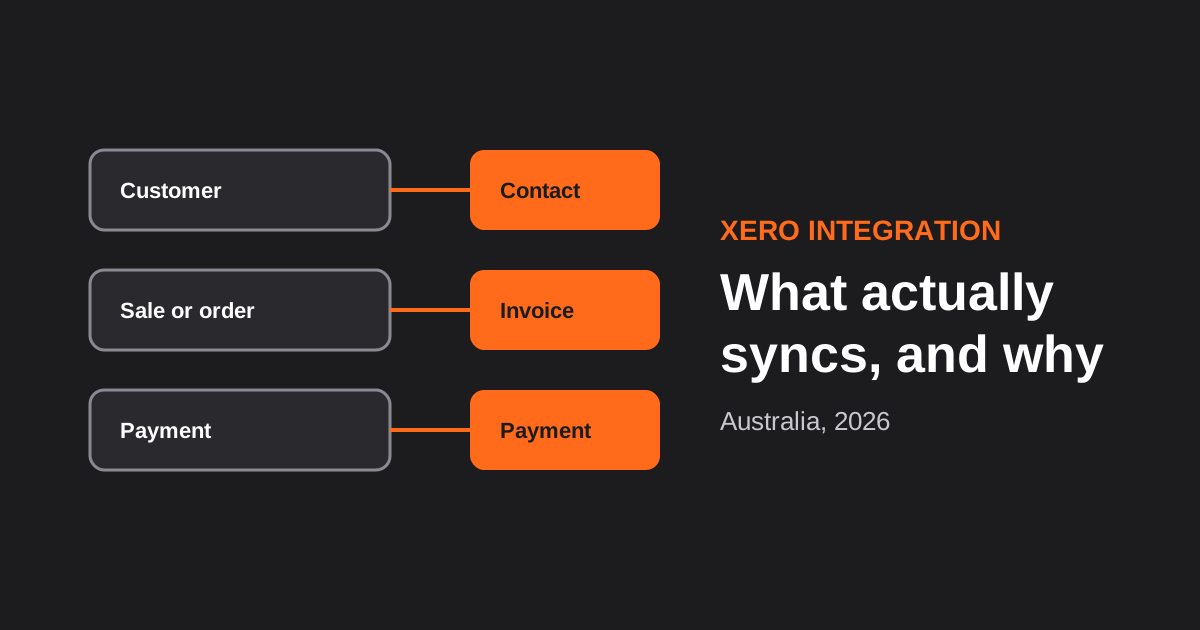
Xero Integration for Australian Businesses: What Actually Syncs, GST Mapping and the Mistakes That Break Reconciliation (2026)
How a Xero integration really works in Australia: what to sync, how to map invoices, payments, refunds and GST, and the mistakes…
Two-Way Sync Between Business Systems: Field Ownership, Conflicts and Echo Loops (2026)
Two-way sync between business systems done properly: field ownership, conflict rules, echo-loop prevention and reconciliation for Australian businesses.
Got a project you'd like to talk through?
Tell us what you're working on — we'll come back with a plan.
