
POS Integration for Australian Retail and Hospitality: Stock, Sales, Settlements and Getting the Books to Agree (2026)
 Jignesh Vagadiya
21/10/2026
8 min read
Jignesh Vagadiya
21/10/2026
8 min read
A point-of-sale system sees more of your business than almost any other tool you own. Every sale, every refund, every discount, every card tap passes through it. Yet in many shops and venues it sits on its own island: the tills know what sold, the website thinks something is still in stock, and the accountant keys a daily total into the books by hand.
Connecting the POS to the rest of the business fixes that, but the connections have a few awkward corners that general integration advice misses. Money arrives in batches. Tips and gift cards behave differently from ordinary sales. Stock moves in two directions. This guide covers what to connect, how to handle the tricky parts, and what to check before you go live. If you’d like help building it, see our point of sale system integration service.
What a POS Integration Usually Connects
- Accounting. Posting sales, GST, tenders and fees into Xero, MYOB or similar, so nobody types a daily total.
- Inventory and your online store. Stock sold in-store reduces what the website offers, and online orders reduce what the shelves hold.
- Customers and loyalty. Purchase history and loyalty balances flowing to a CRM or email platform.
- Staff and rostering. Sales by hour, tip allocation and hours worked feeding into payroll and scheduling.
- Reporting. Sales, margin and stock data consolidated across locations and channels.
Start with whichever causes the most hours of manual work or the most visible errors. For most retailers that is the accounting posting or the stock sync.
From the Till to the Bank: Making the Money Agree
The part that trips up almost every first integration is that the money you took at the till is not the money that lands in your bank account. Card takings are settled by the payment provider in batches, a day or more later, with fees deducted. Cash is banked separately, if at all. If your accounting treats each day’s sales as cash in the bank, the bank feed will never match.
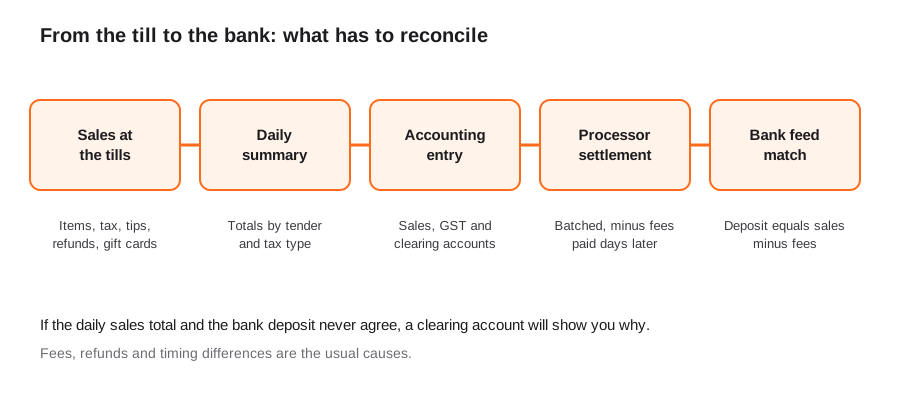
The reliable pattern is straightforward. Post each day’s sales, GST and tenders as a summary entry. Route card and gateway takings to a clearing account rather than the bank. When the settlement arrives, record the fees and match the deposit against the clearing account. Cash goes to its own account until it is banked. When everything is working, the clearing account should sit near zero apart from the most recent day or two of unsettled takings.
The same principles, with more depth on mapping and GST, are in our Xero integration guide.
The Awkward Cases
Refunds and voids
A void before payment is not a refund. A refund after the day has closed is a movement against a previous day’s sale, and may fall in a different reporting period. Decide how each case should appear in the books, and test them deliberately before launch.
Gift cards and vouchers
Selling a gift card is not revenue; redeeming one is. A POS that treats both as ordinary sales will overstate income and misreport GST. Ask your accountant how to treat them, then make sure the integration follows that rule.
Tips and surcharges
Tips collected for staff are generally not business revenue, and surcharges have their own legal limits and tax treatment. Map them to the right accounts instead of letting them fall into sales. Note that rules around card surcharging in Australia are changing, so check current requirements for your business.
Discounts, bundles and modifiers
Hospitality especially: a “burger with extra cheese, no onion, as part of a combo” is one line to the customer and several to inventory. If your stock or cost reporting matters, check that modifiers and bundles break down correctly.
Offline trading
Tills often keep selling when the internet drops and sync later. The integration has to handle delayed, out-of-order sales without duplicating or losing any. That is an area where retries and idempotency matter a great deal: see our piece on idempotency and retries.
Stock Sync Without Overselling
If you sell in-store and online, one shared stock number is the goal, and it’s harder than it sounds. A few rules prevent most problems:
- One source of truth. Decide which system owns stock counts. Others read from it, or send adjustments to it, but don’t each hold their own opinion. This is the same principle as field ownership in two-way sync.
- Match on SKU or barcode, not product names. Names change. Identifiers shouldn’t. Clean up duplicates and blank SKUs before connecting anything.
- Hold a small buffer on fast-moving or low-stock items so a near-simultaneous in-store and online sale doesn’t oversell.
- Account for delay. A sync that runs every fifteen minutes is fine for slow-moving stock and risky for limited drops. Choose frequency by product, not as a blanket setting.
- Plan for stocktakes. Count corrections must flow through the same channel as sales, or the numbers drift apart again.
For stores running Shopify alongside tills, our ecommerce development work often includes exactly this sync, and our Shopify apps guide covers some of the off-the-shelf tools involved.
Native, Connector or Custom?
Most major POS platforms (including Square, Lightspeed and Shopify POS) offer ready-made connections to common accounting packages, and for a single-location business with standard needs these are the right place to start. Their limits are the usual ones: fixed mapping, limited control over summaries versus detail, and variable quality between connectors. Check what each connector actually syncs and how it handles refunds, gift cards and fees before assuming it covers you.
Middleware and custom integration earn their place when you run several locations, several sales channels, unusual tax or fee structures, or a mix of systems no connector spans. Our CRM integration guide sets out the same native, middleware and custom trade-offs, and our custom software development service covers the build end of it.
Checks Before You Go Live
- Run a full trading day through a test setup and compare the output with what your accountant would have posted by hand.
- Test the awkward cases on purpose: a refund the next day, a split payment, a gift card sale and redemption, a tip, an offline sale.
- Confirm GST comes out right for taxable, GST-free and mixed baskets.
- Check the clearing account reaches near zero once settlements arrive.
- Set alerts for failed syncs so someone knows the same day, not at month end.
- Agree who owns it: when the integration breaks on a Saturday, who is called?
Frequently Asked Questions
What does POS integration do for a small business?
It removes the double handling between the tills and the rest of the business. Sales and GST flow into the accounting software, stock counts stay consistent between the shop and the website, and customer purchase history reaches your CRM or email tool. The result is fewer manual entries, fewer end-of-month surprises, and numbers you can trust more.
Why don’t my POS sales match my bank deposits?
Card takings are settled in batches, usually a day or more after the sale, with processing fees deducted, and cash is banked separately. A daily sales total will therefore differ from any single deposit. Posting card takings to a clearing account and matching each settlement against it explains the difference and shows exactly what remains outstanding.
Should every sale go into my accounting software?
For busy retail and hospitality venues, a daily or per-settlement summary is usually better than posting thousands of individual sales, because it keeps the accounting file fast and readable while the POS retains full detail. Businesses with fewer, larger transactions may prefer each one posted individually. Choose based on volume and on what your accountant needs.
How do I stop overselling when I sell in-store and online?
Make one system the owner of stock counts, match products by SKU or barcode, sync frequently for fast-moving items, and hold a small buffer on low-stock lines. Ensure stocktake corrections and returns flow through the same route as sales. No sync is instant, so a buffer is your protection against two buyers claiming the last item.
Can I connect my POS to Xero or MYOB without a developer?
Often yes. Most major POS platforms offer ready-made connections to Xero and MYOB, or you can use a summary-posting app. You need a developer when you have multiple locations or channels, unusual tax or fee handling, or need custom rules the connector doesn’t offer. Test the standard route first and build only for the gaps.
Where to Start
Write down the three places where your tills and your other systems currently disagree, and what each disagreement costs you in time or errors each month. That list tells you what to connect first. When you want a hand scoping or building it, see our POS integration service, or the wider API and systems integration work we do.
Keep reading
Related posts
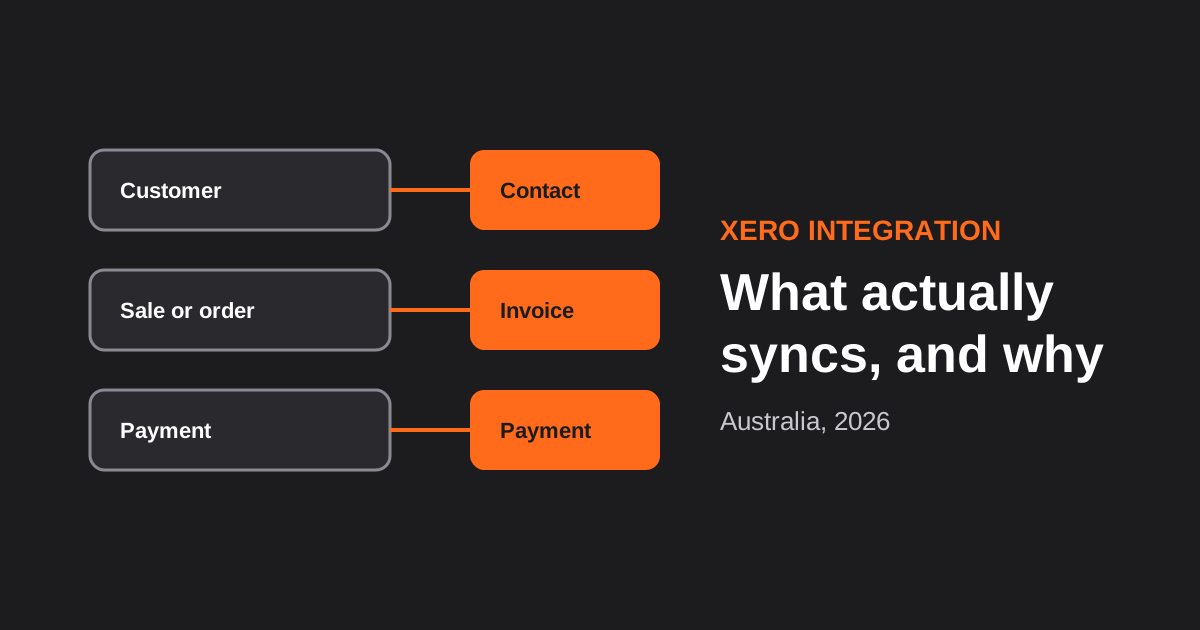
Xero Integration for Australian Businesses: What Actually Syncs, GST Mapping and the Mistakes That Break Reconciliation (2026)
How a Xero integration really works in Australia: what to sync, how to map invoices, payments, refunds and GST, and the mistakes…
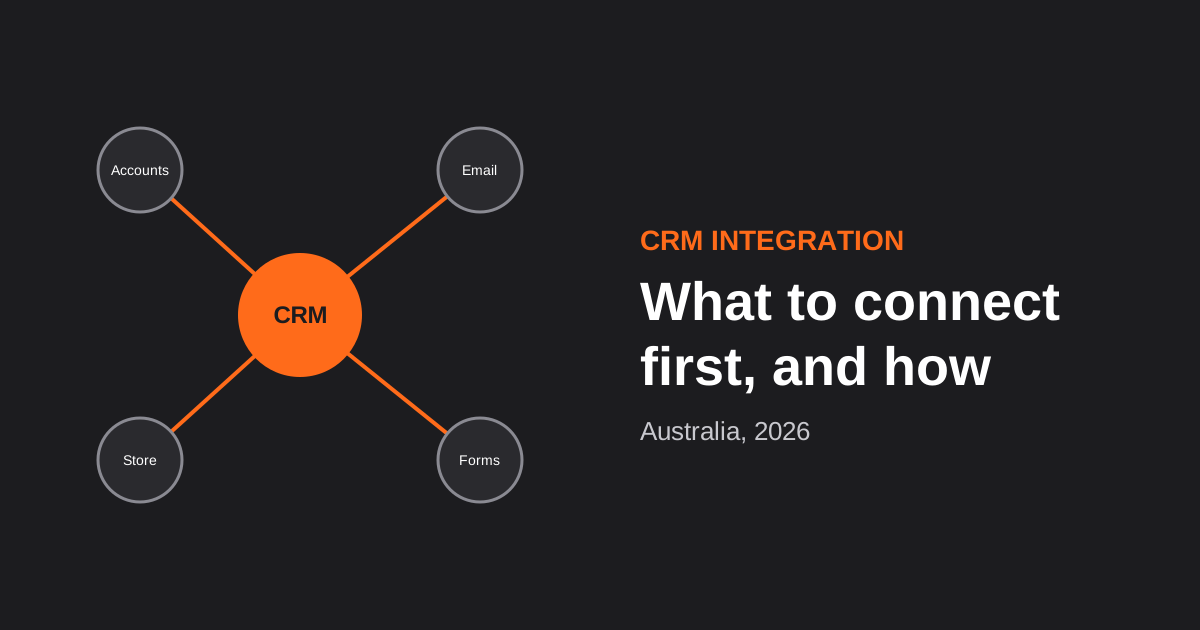
CRM Integration for Australian Businesses: What to Connect First and How to Do It Properly (2026)
A practical guide to CRM integration for Australian businesses: what to connect first, which way data should flow, native vs middleware vs…
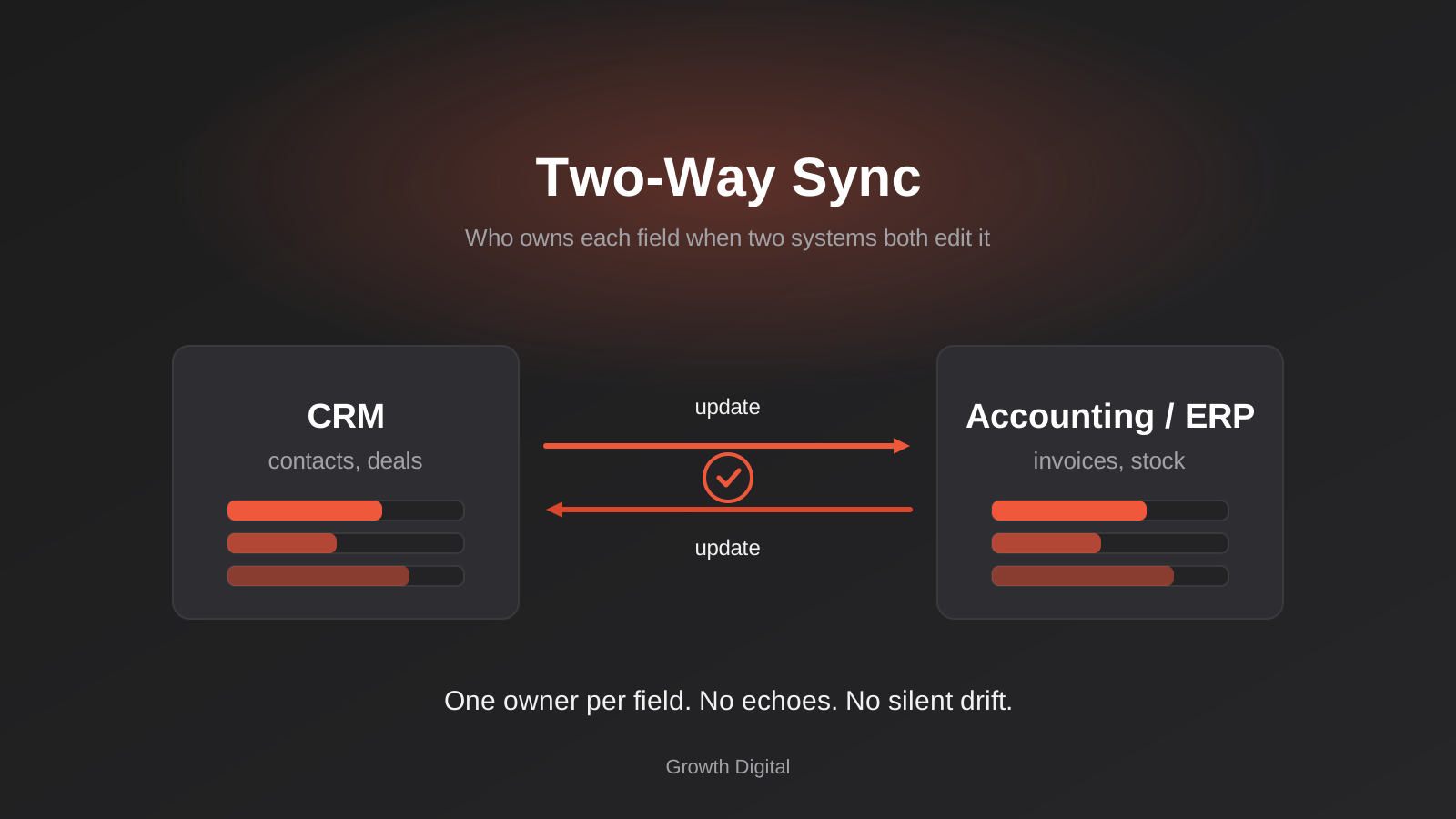
Two-Way Sync Between Business Systems: Field Ownership, Conflicts and Echo Loops (2026)
Two-way sync between business systems done properly: field ownership, conflict rules, echo-loop prevention and reconciliation for Australian businesses.
Got a project you'd like to talk through?
Tell us what you're working on — we'll come back with a plan.
